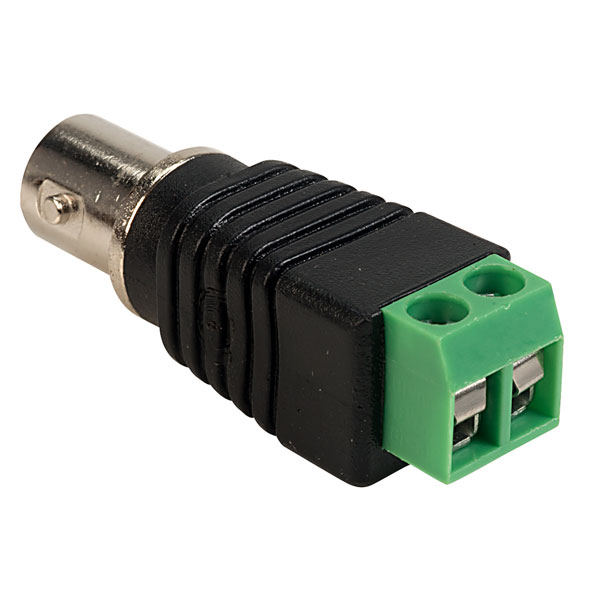
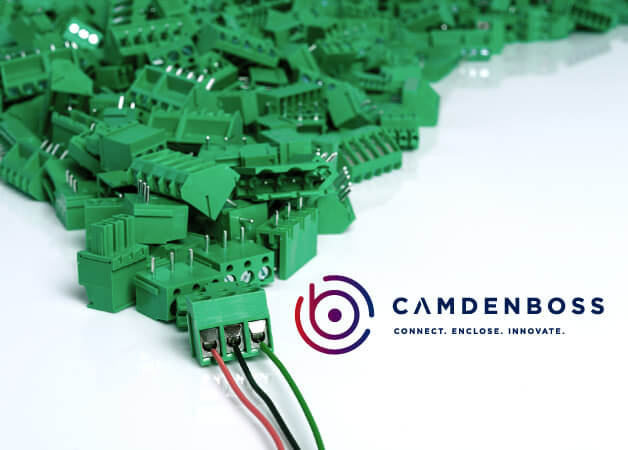
Every dependable panel starts with the right terminal blocks. Whatever the connection — DIN rail, PCB, screw, pluggable, feed-through or earth — we hold the format your build needs, ready to ship.
Why pay branded prices for a terminal block that does the same job? Our own brand, TruConnect, covers DIN rail, PCB and pluggable in the sizes you actually fit — proven through long-term manufacturing partnerships, in UK stock for next-day delivery with technical back-up when you need it. See how much you could save — explore all of our own brands today.
Terminal blocks — buying guide & FAQs
A terminal block joins two or more wires in a neat, insulated housing without a splice, making panel wiring safe and easy to maintain. We stock the full range — DIN rail, PCB, screw, spring and pluggable — including a strong own-brand TruConnect range worth knowing about. For the background, see our guide to terminal blocks: types, specs and how to choose.
What types of terminal block are there?
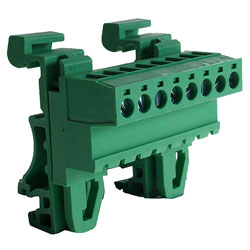
- DIN rail terminal blocks — the workhorse for control panels; clip onto standard rail and bridge together with jumpers. See DIN rail mount.
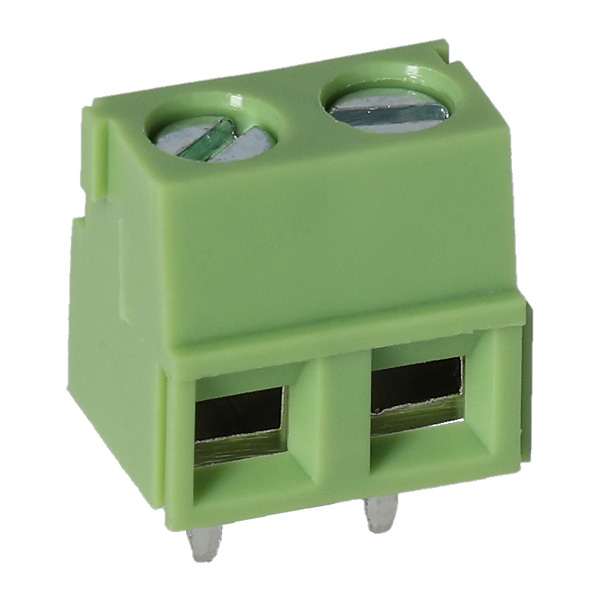
- PCB terminal blocks — solder straight to the board for wire-to-board connections. See PCB mount.
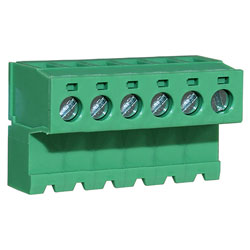
- Pluggable terminal blocks — a plug and header pair so you can disconnect a board or module in seconds. See plugs & headers.
- Screw and spring-clamp — choose screw for a proven clamp, spring or push-in for fast, vibration-resistant wiring.
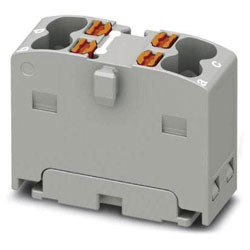
- Feed-through, earth, fused and distribution — for through connections, earthing, in-line protection and splitting a supply. See distribution blocks.
How do I choose a terminal block?
- Current and voltage rating — match the block to the circuit it carries.
- Wire size — check the conductor range (in mm²) the terminal accepts.
- Mounting — DIN rail for panels, PCB for boards.
- Connection type — screw, spring clamp or push-in.
- Ways and poles — the number of connections you need, plus jumpers and end covers.
Not sure which to specify? Our technical team will help you match a part, and we supply bespoke quantities when a project needs them.
DIN rail terminal blocks
DIN rail blocks are the backbone of a tidy, maintainable panel — they clip onto standard DIN rail, bridge together with jumper bars, and label clearly for fast fault-finding. For the detail, see our guide on how DIN rail terminal blocks improve panel reliability.
TruConnect — a strong range worth knowing
TruConnect is our own terminal block range, and it is more serious than many realise: hundreds of parts across DIN rail, PCB and pluggable formats, matched to the branded equivalents on rating, wire capacity and footprint, and held in UK stock. Where a part has a branded equivalent, we show the TruConnect option beside it so you can compare the spec and the price directly. Every part is backed by technical support from people who know the products.
After a domestic connector strip or chocolate block instead? See our terminal strips & connector blocks. For the wider range, browse all connectors. Designing a board? See our PCB terminal block selection guide.
Terminal blocks — frequently asked questions
What is a terminal block?
A terminal block is a modular connector that joins two or more wires without a splice, holding them in an insulated housing under a screw or spring clamp. It makes wiring neat, safe and easy to maintain, and is widely used in panels and on DIN rail.
What is the difference between a terminal block and a connector block?
Terminal blocks are modular parts for panels and PCBs, usually mounted on DIN rail or a board. A connector block or chocolate block is a domestic strip for joining household cables. For those, see our terminal strips & connector blocks range.
How do I wire a terminal block?
Strip the wire to the length marked on the block, insert it fully into the terminal, and tighten the screw or close the spring clamp. Give the wire a gentle tug to check it is held. Use a ferrule on stranded wire for a reliable connection.
How many wires can go in one terminal?
As a rule, one wire per terminal. To link terminals, use a jumper bar or a feed-through block rather than doubling up wires, which can loosen and overheat.
How do I choose the right terminal block?
Match the current rating and the wire cross-section (in mm²) to your circuit, then pick the mounting (DIN rail or PCB) and the connection type (screw, spring or push-in). Check the number of ways you need.


 {{SessionBasket.ItemCount }}